

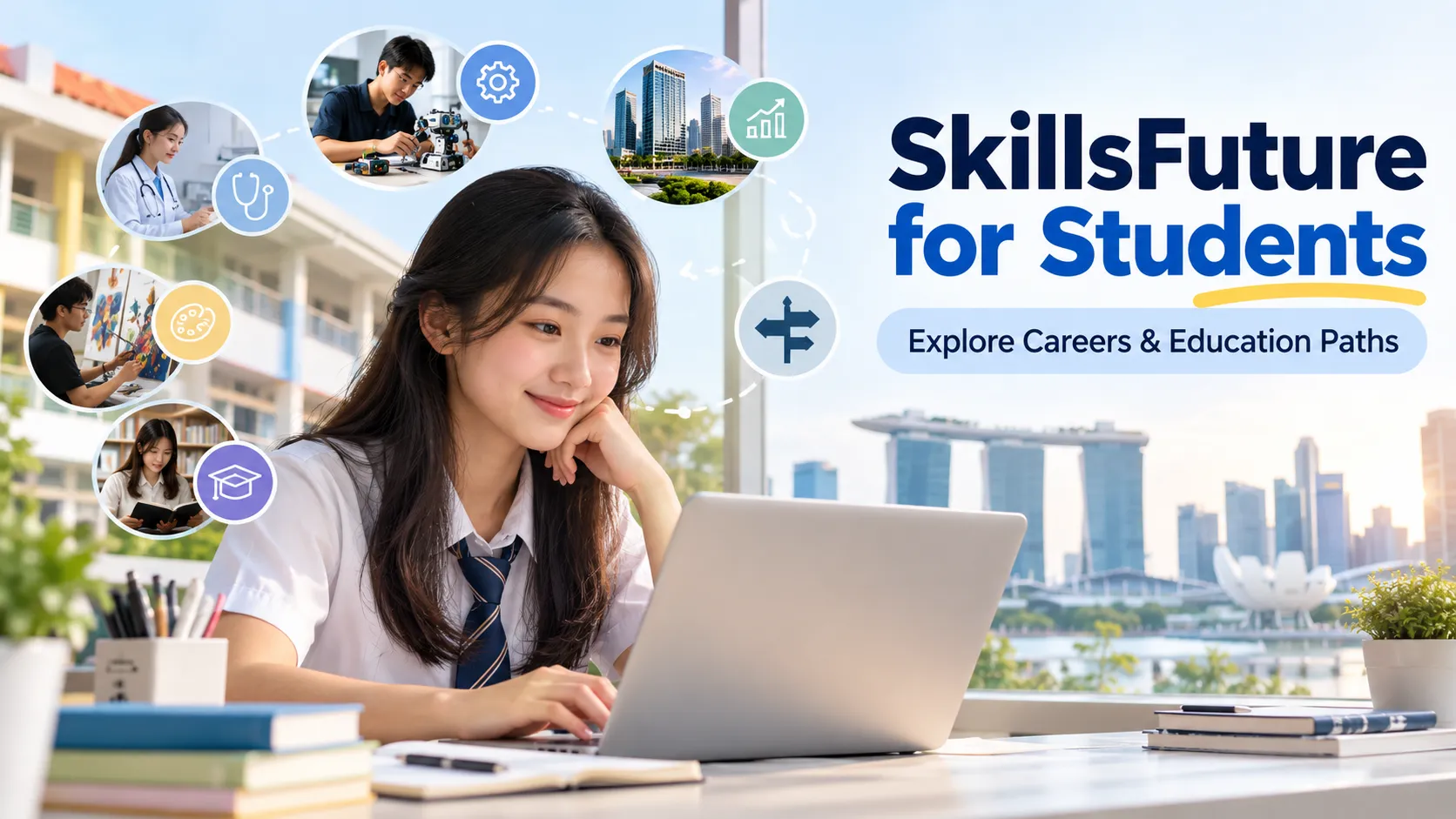
SkillsFuture for Students generally refers to MySkillsFuture for Students, the Singapore student portal for exploring interests, strengths, careers, schools, courses and education and career pathways. For Singapore students, the MySkillsFuture Student Portal provides resources suited to Primary, Secondary and Pre-University levels, helping students learn more about themselves and think about possible next steps.
Instead of waiting until graduation to think about careers, students can use the portal at different points of their school journey — from discovering interests to exploring education options and planning future goals.
TL;DR: SkillsFuture for Students at a Glance
SkillsFuture for Students is the student-focused MySkillsFuture portal where Singapore students can explore themselves, careers, schools, courses and education pathways. The resources are designed around different stages of the student journey, from Primary 5 through Pre-University.
| Quick question | Answer |
|---|---|
| What is it? | MySkillsFuture Student Portal |
| Who is it for? | Singapore students |
| Main purpose | Education and career exploration |
| What can students explore? | Interests, careers, schools, courses and pathways |
| Student levels | Primary, Secondary and Pre-University |
What Is SkillsFuture for Students?
SkillsFuture for Students is the student-focused MySkillsFuture portal that helps Singapore students explore their interests, strengths, education options and career pathways.

The portal is designed as a one-stop resource for education and career exploration, with information and tools that support students as they move through different stages of school.
Its role connects closely with Education and Career Guidance (ECG) in Singapore schools. Students can begin with self-discovery, look at different occupations and industries, explore education options, then use what they learn to think about future plans. The official student portal describes this journey through areas such as interests and strengths, job roles, educational institutions, courses and career planning.
So, SkillsFuture for Students is not simply a place to search for courses. It brings together self-awareness, career exploration and education planning in one student-focused space.
SkillsFuture for Students is the student-focused MySkillsFuture portal that helps Singapore students explore their interests, strengths, education options and career pathways.
Who Can Use MySkillsFuture for Students?
My SkillsFuture for Students is designed for students from Primary 5 to Pre-University. The experience changes according to the student’s stage, so a Primary student is not expected to use the portal in exactly the same way as a Pre-University student.
Here’s how the focus generally changes across the Singapore education system:
| Student level | Main focus |
|---|---|
| Primary students | Interests, strengths, jobs and secondary-school exploration |
| Secondary students | Skills, career interests and education pathways |
| Pre-University students | Career planning, further studies and next-step decisions |
For Primary students, the portal supports early self-discovery, awareness of jobs and exploration of secondary-school options. Secondary students can explore education and career pathways in greater detail, while Pre-University students can focus more closely on career interests, further studies and planning.
This also fits the wider role of education and career guidance in helping students make choices at different stages rather than treating career planning as a single decision.
What Can Students Do on MySkillsFuture?
The useful part of MySkillsFuture is that students can move from “What am I interested in?” to “What could I study?” and then “What careers might fit?” — without treating these as completely separate questions.
Explore Interests and Strengths
Students can use self-assessment and exploration tools to learn more about their interests, strengths, skills, work values and learning preferences.


This gives them a starting point for thinking about career interests and the type of work or study environment that may suit them.
For younger students, this can be quite simple — learning about different jobs, activities and personal strengths. As students progress, the focus becomes more closely connected to education and career planning.
That makes self-discovery useful before making bigger decisions about subjects, courses or future study.
Explore Careers and Job Roles
Students can explore career options, job roles and Singapore industries through the portal’s World of Work resources. The information can give students a clearer picture of what different occupations involve and what education or skills may connect with those roles.
For a student who only knows the name of a career, this can open up related possibilities. A student interested in technology, healthcare, design, business or another field can look beyond one job title and consider related roles and pathways.
Career exploration also works better when students compare their interests and strengths with the requirements of different careers.
Explore Schools and Education Pathways
Education planning is another major part of the portal. Students can explore schools, educational institutions, courses, qualifications and education pathways using resources such as SchoolFinder, CourseFinder, Education Guide and Pathway Navigator.
SchoolFinder provides information about educational institutions, while CourseFinder can be used to explore courses and programmes across post-secondary and other education options. Pathway Navigator supports exploration of education routes, including pathways under Full Subject-Based Banding for relevant Secondary students.
This can be useful when a student is comparing several possible routes rather than looking for one “best” option.
Set Goals and Build Your Profile
Logged-in students can use features such as My Profile and My ePortfolio to keep track of personal information, interests, skills, achievements, saved items and goals.
These features can make personal planning more practical. Instead of reading about a career or course and forgetting about it later, students can save relevant information and build a record of their education and career exploration.
The portal also supports goal-setting and reflection, giving students a place to connect what they discover with their education goals and career goals.
How to Access SkillsFuture for Students
The exact login process can depend on the student’s school level and the current portal setup, so it’s better to follow the login instructions shown on the official MySkillsFuture Student Portal rather than rely on an old password or account guide. The current portal provides a student and teacher login option and identifies MIMS ID for login.
1. Open the MySkillsFuture Student Portal
Go to the official MySkillsFuture Student Portal and select the relevant student section.
2. Select the relevant student section
Choose Primary, Secondary or Pre-University according to the student’s level.
3. Sign in using the available student login
Follow the current sign-in instructions displayed on the portal. Students should use the login details provided through their school or the portal’s current authentication process.
4. Explore careers, schools, courses and pathways
Once inside, students can explore the available tools and information for their education and career planning.
5. Use personalised features after signing in
Features such as My Profile and My ePortfolio provide access to personal planning and saved information.
Can Students Use MySkillsFuture Without Logging In?
Yes. Students can browse and search parts of MySkillsFuture without signing in. The official student help pages state that pre-login access includes industry, job and school information. Logging in provides access to additional personalised features and saved information.
| Feature | Before login | After login |
|---|---|---|
| Browse information | ✓ | ✓ |
| Explore careers | ✓ | ✓ |
| Explore schools | ✓ | ✓ |
| Save information | Limited | ✓ |
| My Profile | — | ✓ |
| My ePortfolio | — | ✓ |
So, can students use MySkillsFuture without logging in? Yes — but the experience is more limited. A student can start researching careers, industries and schools first, then sign in when they want to use personal features such as My Profile, My ePortfolio, saved favourites and other account-based tools.
SkillsFuture for Students vs SkillsFuture Credit
No, SkillsFuture for Students and SkillsFuture Credit are not the same thing.
The student portal is focused on education and career exploration, while SkillsFuture Credit is a separate scheme connected with eligible training and course costs. Mixing the two can make a simple search for the student portal surprisingly confusing.
| MySkillsFuture for Students | SkillsFuture Credit |
|---|---|
| Student education and career exploration | Eligible training-related support |
| Interests and strengths | Training/course funding |
| Careers and education pathways | Eligible courses |
| Student portal | Credit scheme |
For students searching for SkillsFuture vs MySkillsFuture, the easiest distinction is this: MySkillsFuture for Students is about exploring yourself, education and careers; SkillsFuture Credit relates to financial support for eligible skills-development courses.
There is no need to turn a student portal search into a detailed SkillsFuture Credit discussion. The two serve different purposes.
How Can Parents Help Students Use MySkillsFuture?

Parents can use MySkillsFuture as a conversation starter rather than making every decision for their child. Explore interests together, discuss strengths, look at different schools and courses, and ask why a particular career or education pathway seems interesting.
For younger students, parents can talk through what they discover in the portal. For Secondary and Pre-University students, the conversation can move towards student career planning, education choices and possible next steps.
The official Secondary FAQ also says parents can view pre-login features and explore the portal with their child using the student account.
SkillsFuture for Students FAQs
What is SkillsFuture for Students?
SkillsFuture for Students generally refers to MySkillsFuture for Students, a student portal for Singapore students. It provides tools and information for exploring interests, strengths, careers, education options, schools, courses and future pathways.
Who can use MySkillsFuture for Students?
The student portal is designed for students from Primary 5 to Pre-University in Singapore. Different portal sections and resources are provided for Primary, Secondary and Pre-University students.
What can students do on MySkillsFuture?
Students can explore interests and strengths, learn about job roles and Singapore industries, research schools and courses, compare education pathways, set goals and build personal information through features such as My Profile and My ePortfolio.
Can Primary students use MySkillsFuture?
Yes. The Primary portal is designed for Primary 5 and 6 students and supports self-awareness, career awareness, exploration of jobs and education planning, including finding out more about secondary schools.
How do students access MySkillsFuture?
Students can open the official MySkillsFuture Student Portal and select their relevant student section. The current portal provides a login option for students and teachers, with MIMS ID listed for login. Students should follow the latest instructions shown on the portal.
Can students use MySkillsFuture without logging in?
Yes. Pre-login users can browse and search information about industries, jobs and schools. Signing in provides additional account-based features such as My Profile, My ePortfolio, saved favourites and other personalised resources.
Is SkillsFuture for Students the same as SkillsFuture Credit?
No. SkillsFuture for Students refers to the student-focused MySkillsFuture portal for education and career exploration. SkillsFuture Credit is a separate scheme associated with eligible skills-development and training costs.
Can students use MySkillsFuture to explore courses and careers?
Yes. Students can explore careers, job roles, industries, educational institutions, courses and education pathways. Tools such as SchoolFinder and CourseFinder can support research into education options and possible next steps.
Planning the Next Step with MySkillsFuture
A useful way to approach SkillsFuture for Students is as a journey: interests → careers → schools and courses → education pathways → future planning. Students don’t need to have their entire future figured out before using the portal.
They can start with what they already know about themselves, explore possibilities, save useful information and gradually build a clearer picture of what could come next. For Singapore students, MySkillsFuture brings these education and career planning resources together in one place.

